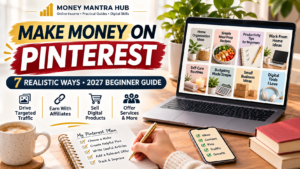

Updated November 2026 for readers planning ahead to 2027. If you’re wondering how to make money on Pinterest, I want to clear up one thing first: you don’t get paid just because people see your Pins. What you can do is use Pinterest to introduce the right people to a helpful blog, product or service. I’ll walk you through seven realistic ways to do that, including the work and costs people often leave out.
Think about the last time you opened Pinterest. Maybe you were looking for a recipe, a tidy desk setup or a better way to organize your week. You probably weren’t there to read a sales pitch. That’s the mindset I’d keep when creating content: help someone do the thing they came to do, then make any next step feel natural.
Prefer affiliate marketing to creating your own products? Read our companion guide to Pinterest affiliate marketing without a website, including disclosure and platform-rule considerations.
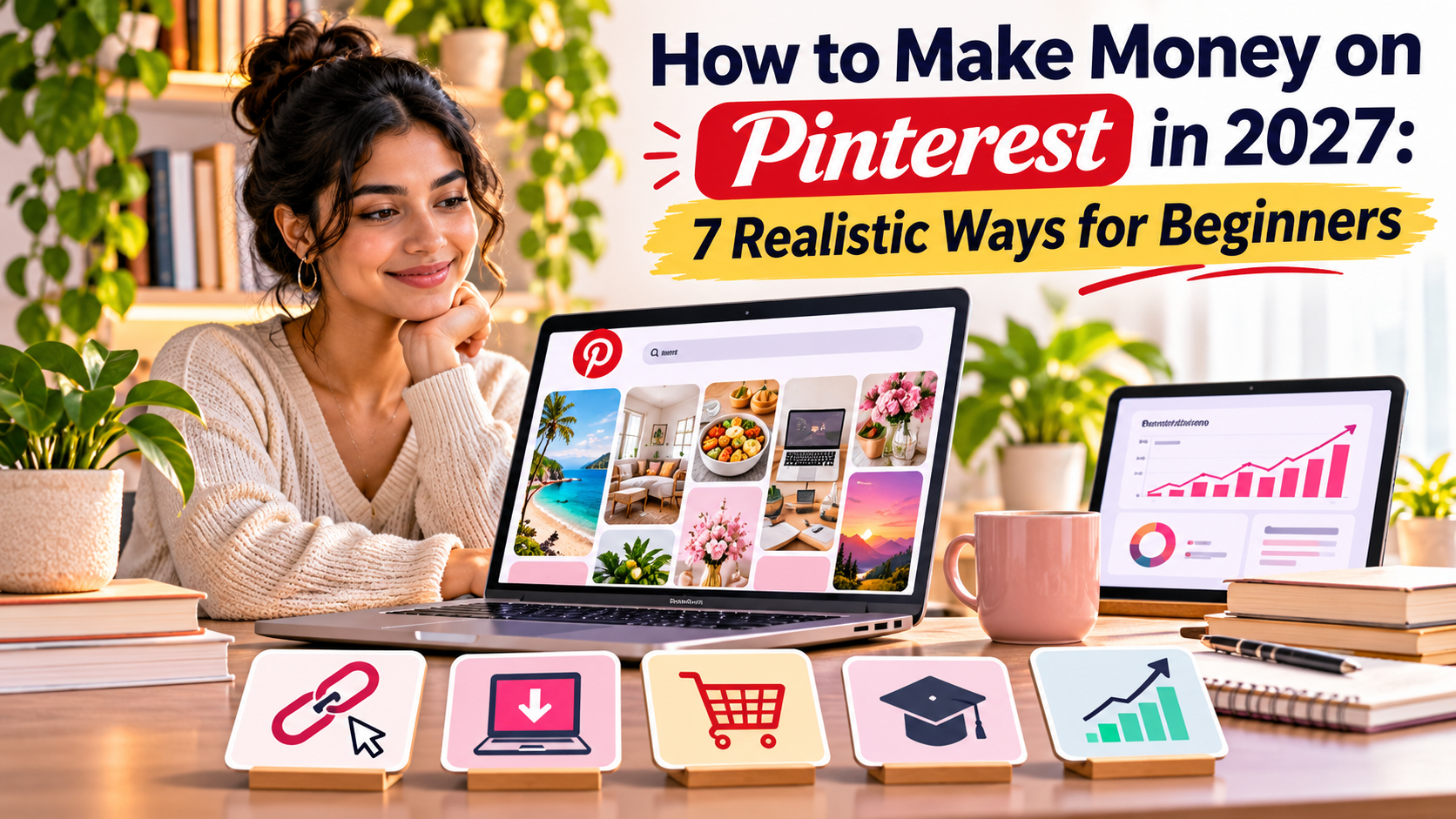
Here’s the short version: You can explore affiliate referrals, blog traffic, original digital products, physical-product sales, Pinterest assistant work, brand collaborations and client leads. I wouldn’t try all seven at once. Pick the one that fits your skills and what you can genuinely offer. There’s no magic posting schedule that guarantees income.
Does Pinterest actually pay you for views?
Pinterest does not offer a standard payment for every Pin impression, save or monthly viewer. I think that’s the most useful distinction for a beginner. A Pin might bring you a visitor or a potential customer, but payment happens elsewhere—for example, through an approved affiliate commission, a product sale, advertising on your website or a client contract.
Here’s how I’d read your early analytics. Impressions mean a Pin appeared on a screen. Saves mean somebody wanted to keep it. Outbound clicks mean somebody decided to visit your destination. I care much more about that last step when the goal is business growth, and I still wouldn’t call a click a sale. Ten thousand impressions can earn nothing.
Pinterest’s own organic audience guidance recommends fresh, useful content and clear titles and descriptions; its Pin performance guidance recommends vertical images and checking analytics. Those are sensible starting points, not guarantees.
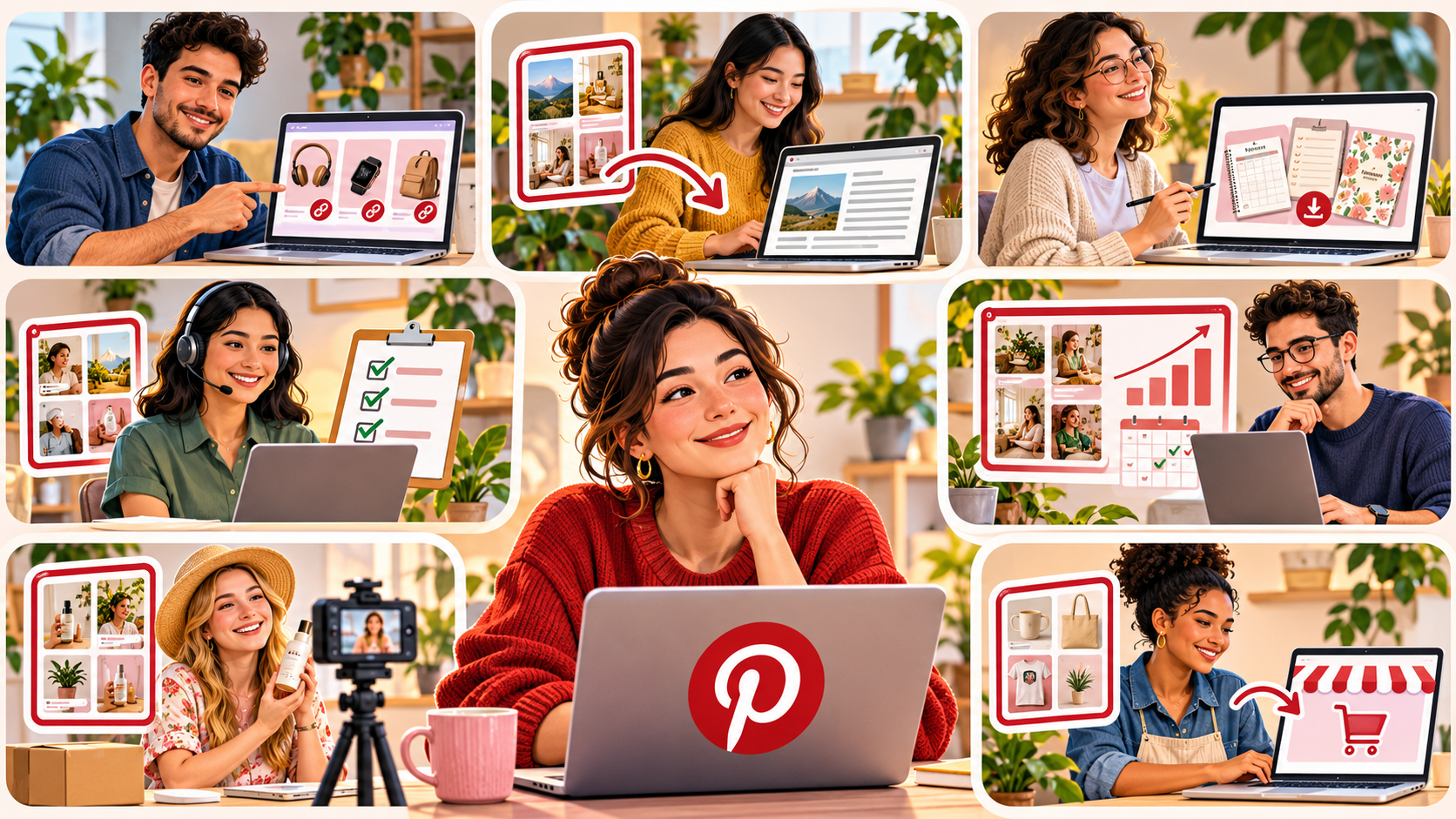
7 realistic ways to make money with Pinterest in 2027
1. Earn affiliate commissions from helpful recommendations
I would start affiliate marketing with one useful question, not a folder full of links. If you can help someone choose a product for a real need, a properly disclosed affiliate recommendation may fit. You only earn a commission when the partner program’s qualifying conditions are met.
Imagine this: You write a genuinely useful small-desk setup guide. Your Pin promises a “Small desk setup checklist” and takes readers to that guide—not to an unrelated checkout page. You compare lamps and organizers using research you can explain, and you add approved affiliate links where the program allows them. The reader gets an answer first; a commission is only a possible outcome.
- Choose a niche where you can offer useful comparisons, not merely attractive graphics.
- Check each affiliate program’s rules on Pinterest links, landing pages, geographic eligibility and disclosures.
- State your material connection plainly near recommendations and never claim firsthand testing you did not do.
- Track clicks, approved conversions, commissions, returns and the time spent creating the content.
One shortcut I’d avoid: copying the same affiliate link into dozens of nearly identical Pins. It’s a quick way to lose trust. Be upfront about paid relationships and don’t say you’ve tested something if you haven’t. The FTC’s endorsement disclosure guide is a useful place to check how disclosures should look.
2. Send Pinterest visitors to a useful blog
If you like writing, this is where I’d begin. Choose one question you can answer better than a rushed listicle, write a useful article, and make Pins that honestly describe it. Your website might later earn through eligible ads, relevant affiliate offers or your own products. Pinterest itself is the discovery route, not the payment source.
Here’s a simple example: You publish a weekly grocery-budget worksheet and explain how to use it. Your Pin shows a real preview, with a clear link to the tutorial. If a reader finds it helpful, they may explore other articles or download a clearly described template. They might leave without buying anything, and that’s normal too.
- Start with one narrow reader problem and a complete, original answer.
- Write descriptive Pin titles that match the actual article; do not use bait-and-switch headlines.
- Use a clear, mobile-friendly landing page that loads quickly and keeps intrusive ads in check.
- Measure article sessions and conversions with your analytics tools; compare against creation time and costs.
For Money Mantra Hub, I’d connect this approach to readers who already want practical guidance. You can explore our digital products guide or our article on AI passive-income realities. My rule is simple: the Pin should lead to a page that’s worth reading even if the visitor never purchases.
3. Promote original digital products
Maybe you’ve already made a planner, spreadsheet or workbook that helps people do something specific. That’s a much stronger starting point than designing a pretty Pin and hoping a product idea appears later. Show people what the download actually contains, explain who it’s for, and let your product page answer practical questions before asking them to buy.
Try picturing this: You make an invoice tracker for freelancers and show a fictional sample on the Pin. The caption tells readers exactly what it does: “Track overdue invoices in one spreadsheet.” On the product page, you show the usable file, software requirements and instructions. You don’t need to exaggerate what it can do.
- Solve a specific recurring problem before designing a product.
- Show a realistic preview of the actual file—not a mockup that misrepresents what’s inside.
- Explain licensing, refund terms and required software before purchase.
- Test formulas, links, downloads and mobile instructions before sending traffic.
If this model interests you, I’d start with our Digital Products Beginner’s Guide. I also want to be clear that selling a download isn’t automatically passive: you’re still responsible for testing, improvements, support and promotion.
4. Drive traffic to a physical product or print-on-demand shop
Pinterest works well as a visual showcase, which can make sense if you sell stationery, decor, gifts or other physical products. I’d show the actual item in a useful setting, then send people to the matching product listing. If you’re considering print-on-demand, calculate printing, delivery, platform fees and returns before deciding whether the price is sustainable.
For example: Let’s say you sell an original undated study planner. You create a Pin that shows how someone might plan a week with it, not a misleading stock photo of a product you don’t have. If a reader clicks through and orders, that’s a product sale—not a payout for the Pin itself.
Before you celebrate a sale, I’d check what you keep. On a hypothetical $20 item, $14 in printing, processing, delivery, returns and marketing costs leaves $6 before other overheads. That may or may not be worthwhile for you. These are made-up figures to demonstrate margin, not typical store results.
Before sending Pinterest traffic to a merchandise shop, work out the amount you retain from each sale. Our print-on-demand platform profit comparison includes fulfillment, advertising and pricing examples.
5. Offer Pinterest virtual assistant services
You don’t need your own product to offer a Pinterest service. If you enjoy organization, writing and visual design, you could help a business research topics, prepare original Pins, tidy boards or review analytics. I would pitch a specific deliverable instead of saying, “I’ll grow your account.” A client pays for the work you actually agree to do.
Here’s an offer you could adapt: “Eight original Pin designs, eight accurate titles and descriptions, board organization, and one simple monthly report.” Before quoting, I’d ask you to settle the awkward details: Who provides photos? Who checks product claims? Who approves content? How many revision rounds are included?
- Learn the business account interface and analytics from official resources.
- Create three original portfolio samples using your own or permission-cleared materials.
- Write a one-page scope of work with delivery dates, revisions and access rules.
- Avoid promising specific monthly views or client sales.
If you’re curious about freelancing beyond Pinterest, you can also read our Virtual Assistant Side Hustle Guide. I recommend starting with a small, manageable service before expanding your packages.
6. Work with brands on paid Pinterest content
Brand partnerships sound exciting, but I wouldn’t treat them as the easiest beginner option. A company might pay you to create original content about its product once you can demonstrate relevant work and an appropriate audience. You’ll need to agree on usage rights, deliverables, payment and honest disclosures. The company pays under that agreement; Pinterest doesn’t automatically pay a sponsorship fee.
Picture a gardening creator: They work with a pot manufacturer to make a seasonal planting checklist. The useful checklist comes first, the product is presented accurately, and the contract sets out what the brand can reuse. If I were reviewing that arrangement, I’d look closely at disclosure language and image rights before publishing.
Pinterest provides a paid-partnership labeling process for eligible creator-brand collaborations. The company’s approval and feature availability matter, and clear disclosures should accompany sponsored recommendations. Never invent a brand partnership to make your profile look established.
7. Attract leads for a service you already offer
I think this route gets overlooked. If you already offer tutoring, organizing, resume writing, photography or another service, useful Pins can help people discover your expertise. You don’t have to invent a second business. Show readers how you approach a problem, then give them a clear way to ask about paid help.
For example: Say you’re a resume writer. Your Pin offers “Five resume checks before you apply,” and the link opens a real guide with a helpful checklist. On that page, you can show a clearly labeled sample of your work and explain how to enquire about your service. An enquiry is encouraging, but I’d only count it as revenue after a customer pays.
If you’re already good at a service, I’d test that offer before spending weeks building an unrelated shop. You can reuse expertise you have, but you’ll still need trustworthy samples, a clear scope of work and a way to handle client enquiries.
Which Pinterest income method fits you?
| Your starting point | Worth testing first | What you actually need |
|---|---|---|
| You enjoy writing | Blog traffic or affiliate education | Original articles, useful recommendations, permitted links |
| You can design functional files | Digital downloads | An original product, tested delivery, clear product page |
| You own a shop | Physical products | Accurate product photos, margins and fulfillment |
| You want freelance work | Pinterest VA services | Samples, defined scope, client communication |
| You have a relevant audience | Brand partnerships | Proven quality, media kit, disclosure discipline |
| You already sell a professional service | Client leads | Portfolio, landing page, reliable intake process |
My recommendation: choose one model for the first 30 days. I know it’s tempting to try affiliate links, products and freelancing all at once, but then you won’t know what made a difference—or where your time went.
How to start Pinterest for business: a beginner-friendly setup
Step 1: Define one audience and one promise
Here’s the sentence I’d ask you to write before making your first Pin: “I help [specific person] do [specific task] without [specific frustration].” One example would be: “I help first-time apartment renters organize a small kitchen without major renovations.” If your audience and promise are fuzzy, the content usually will be too.
Step 2: Create or switch to a business account
I’d start with a business account so you can use available analytics features. Give your profile a straightforward description, use consistent branding and add your website if you have one. When appropriate, look into domain-claiming and attribution guidance. Pinterest changes its interface from time to time, so follow its current setup screens rather than a dated screenshot.
Step 3: Research intent, not just attractive pictures
Open Pinterest search and type a topic your reader might actually look for. I might start with “small bedroom storage,” then narrow it to “renter-friendly bedside storage.” Notice the questions and wording. Treat them as ideas to investigate, not proof that a keyword is easy to rank for or gets a guaranteed number of searches.
Step 4: Make a few clear, original Pins
For your first Pins, I’d keep things simple: an original vertical design, readable headline, accurate image and a link that delivers what you promised. Pinterest’s guidance discusses a standard 2:3 format, useful descriptions and relevant boards. You don’t need fancy motion graphics to give someone a good reason to click.
Step 5: Measure the full journey
I would track one Pin at a time: the question it answers, where it links, when you published it and what happened afterward. Did anyone leave Pinterest? Did they stay on your page or ask about the offer? A high click-through rate is interesting, but I care more about whether the visit helped the reader and justified your time.
Pinterest SEO in 2027: keywords that match real searches
If you’re writing about this topic yourself, the phrase “how to make money on Pinterest in 2027” clearly describes the searcher’s question. You can also answer narrower questions about Pinterest affiliate marketing for beginners, using Pinterest for blog traffic, selling digital products on Pinterest, Pinterest virtual assistant services and Pinterest business analytics. I’m using these as relevant topics—not claiming they have a measured search volume.
Here’s the SEO advice I’d give a new writer: say what the page is about, answer the question early and make every section worth keeping. Add useful internal links and accurate image descriptions. You don’t need to repeat “make money on Pinterest” in every paragraph; readers notice when writing is trying too hard to impress a search engine.
A realistic 30-day Pinterest action plan
| Days | Focus | Finish line |
|---|---|---|
| 1–3 | Choose one audience and one income model | A clear audience statement and offer |
| 4–7 | Study real problems and 10 search phrases | A list of reader questions and landing-page ideas |
| 8–10 | Set up profile, boards and analytics | Business profile and a sensible tracking sheet |
| 11–14 | Create your first useful destination content | One strong article, service page or product page |
| 15–18 | Design a small set of original Pins | Four to six distinct Pins matching real content |
| 19–23 | Publish consistently and respond to feedback | Accurate Pins with working links and disclosures |
| 24–27 | Review traffic, saves, clicks and costs | Notes on which questions attracted qualified interest |
| 28–30 | Improve one weak link and plan next month | One revised page or offer and a realistic follow-up schedule |
What I’d want you to remember: these 30 days are for learning, not for proving you can make money overnight. If your Pins receive little attention, look at the reader question, visual clarity and destination page before deciding you need to publish more. A thoughtful revision beats another batch of nearly identical designs.
A simple earnings example: clicks are not income
Let’s do the math together. Imagine your guide gets 1,000 Pinterest outbound clicks in a month. If 2% of visitors buy a $10 digital resource, that’s 20 orders and $200 in gross sales. Now subtract an illustrative $40 for fees and refunds and $30 for tools. You’re left with $130 before taxes and before paying yourself. This is a hypothetical example, not an expected result.
I always encourage readers to include the invisible expense: time. If you worked 25 hours on that hypothetical product, guide and Pins, $130 works out to $5.20 an hour before taxes. And if nobody buys, your revenue could be zero. That’s why I’d rather see you track costs than chase a screenshot of someone else’s monthly views.
Mistakes that waste time or put accounts at risk
- Treating impressions or monthly viewers as money rather than attention.
- Publishing repeated near-identical Pins or sending users to misleading destinations.
- Using photos, fonts, logos, music or templates without the necessary commercial rights.
- Making unsupported health, financial or product claims or promising guaranteed results.
- Skipping sponsorship and affiliate disclosures. The FTC recommends disclosures near the endorsement itself.
- Buying expensive software before validating a specific need.
- Relying entirely on AI-written recommendations without checking accuracy and real user value.
- Ignoring mobile usability, broken links, refund questions and customer support.
Frequently asked questions
Can I make money on Pinterest with no followers?
Yes, you can begin learning without a large following. Pinterest search and recommendations may help someone find a relevant Pin, but there’s no guarantee your content will be shown. I’d focus first on one genuinely useful page and a clear next step instead of obsessing over follower numbers.
Can I make money on Pinterest without a website?
Possibly. Some approved offers or shop pages may work without a full website, depending on platform and affiliate-program rules. Still, I like having a useful landing page because you can explain the product, disclosures and terms clearly. Before linking anything, check whether that destination is permitted.
Does Pinterest pay for 1,000 views?
No. I wouldn’t quote you a “Pinterest payout per 1,000 views” because there isn’t a universal one. You need a separate source of revenue—such as a product sale, qualifying affiliate referral, brand agreement or paid service.
What is the easiest Pinterest income idea for a beginner?
I’d start with what you’re already good at. If you write, try Pins for one strong article. If you can design and organize, test a small Pinterest support service. If you run a shop, show a real product with a sensible margin. The easiest option is usually the one that requires the least pretending you already have skills or assets you don’t.
How long does it take to earn money on Pinterest?
I can’t give you an honest fixed timeline. You may spend months learning what content readers want, and some projects never turn a profit. I’d use the first 30 days to test your topic and workflow, not promise yourself a first paycheck.
Can I use AI to create Pins?
Yes, for brainstorming or preparing drafts—but I would still review every claim, image and link. You are responsible for accuracy, originality, privacy, permissions and relevant disclosures. Treat AI as an assistant, not as a substitute for your judgement.
Final takeaway: treat Pinterest like a business channel
If I could leave you with one idea, it’s this: Pinterest works best when the next click leads somewhere genuinely useful. Choose one way to earn, make a helpful resource, create honest Pins and give yourself enough time to study the results. That’s less dramatic than an overnight-income story, but it gives you a better chance to build something worth maintaining.
If you’d like to create something you own, I’d point you to our digital-products guide. If you’d rather sell your skills, take a look at freelance skills worth developing. You can use Pinterest as a discovery channel for either approach.
Official resources and editorial note: Review Pinterest’s audience-building advice, Pin performance guidance, paid partnerships guidance and the FTC disclosure guide. Platform tools and rules can change. This article was prepared with AI assistance and editorial research; examples are hypothetical and educational, not verified personal results or personalized business, financial, tax or legal advice.
Further reading and editorial information
explore Canva design services · review our editorial standards.


Pingback: Pinterest Affiliate Marketing in 2027: How to Start Without a Website - Money Mantra Hub
Pingback: How to Sell Digital Products Online in 2026: Beginner’s Guide - Money Mantra Hub
Pingback: 15 Best AI Side Hustles in 2026: Tools, Costs & Skills
Pingback: How to Sell Notion Templates: From Zero to Your First Sale - Money Mantra Hub
Pingback: How to Sell Notion Templates: From Zero to Your First Sale